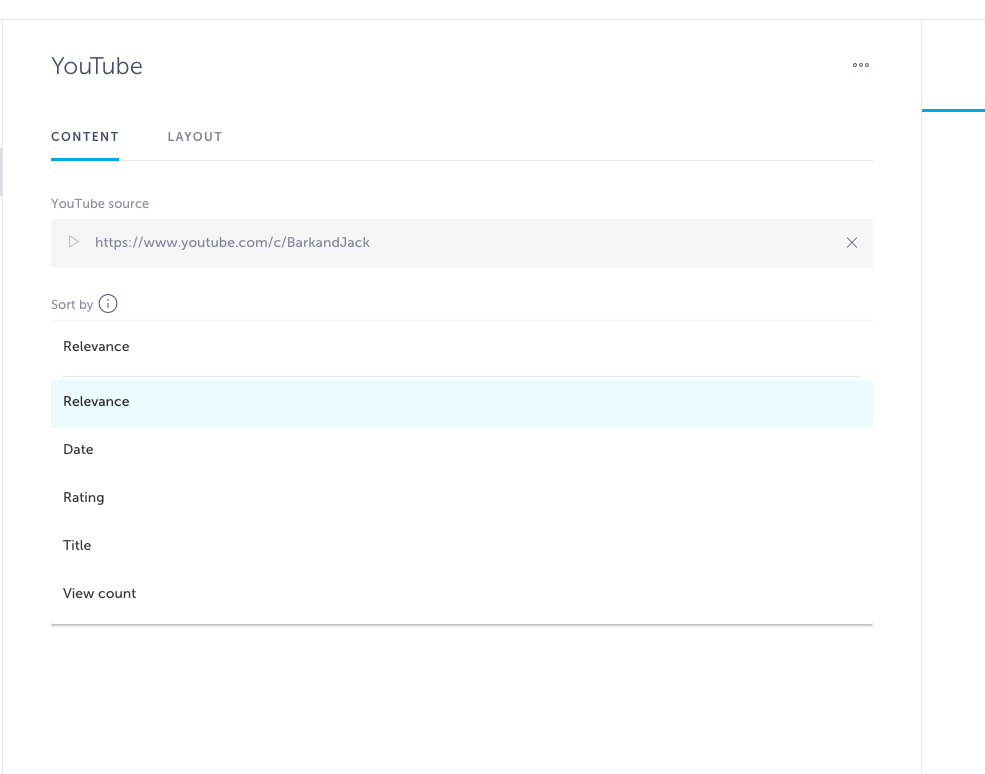
To start using YouTube video extension, add “YouTube” screen to your app navigation.
You can import the following content directly from YouTube: playlist, channel or user.
To find source URL:
1. Go to Youtube.
2. Go to the playlist, channel or user you’d like to load in your app.
3. In the browser address bar, copy the URL.
4. Paste the URL in input field and press continue.
The builder will automatically find the videos from that source.
Video list imported from channel and user will show sorting options as on the screenshot below while the playlists cannot be sorted and will be displayed per the author initial sorting.